View modes and docking
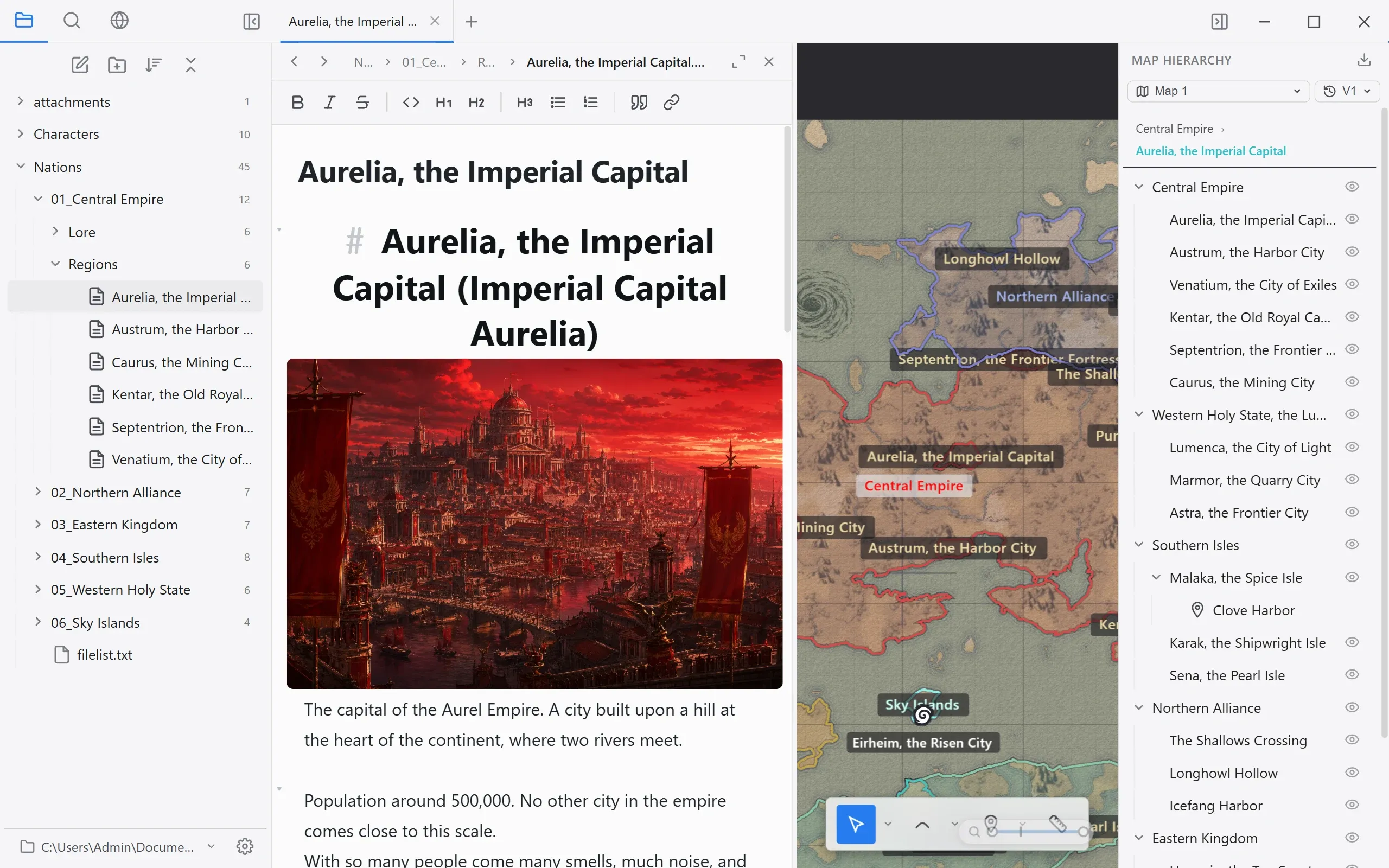
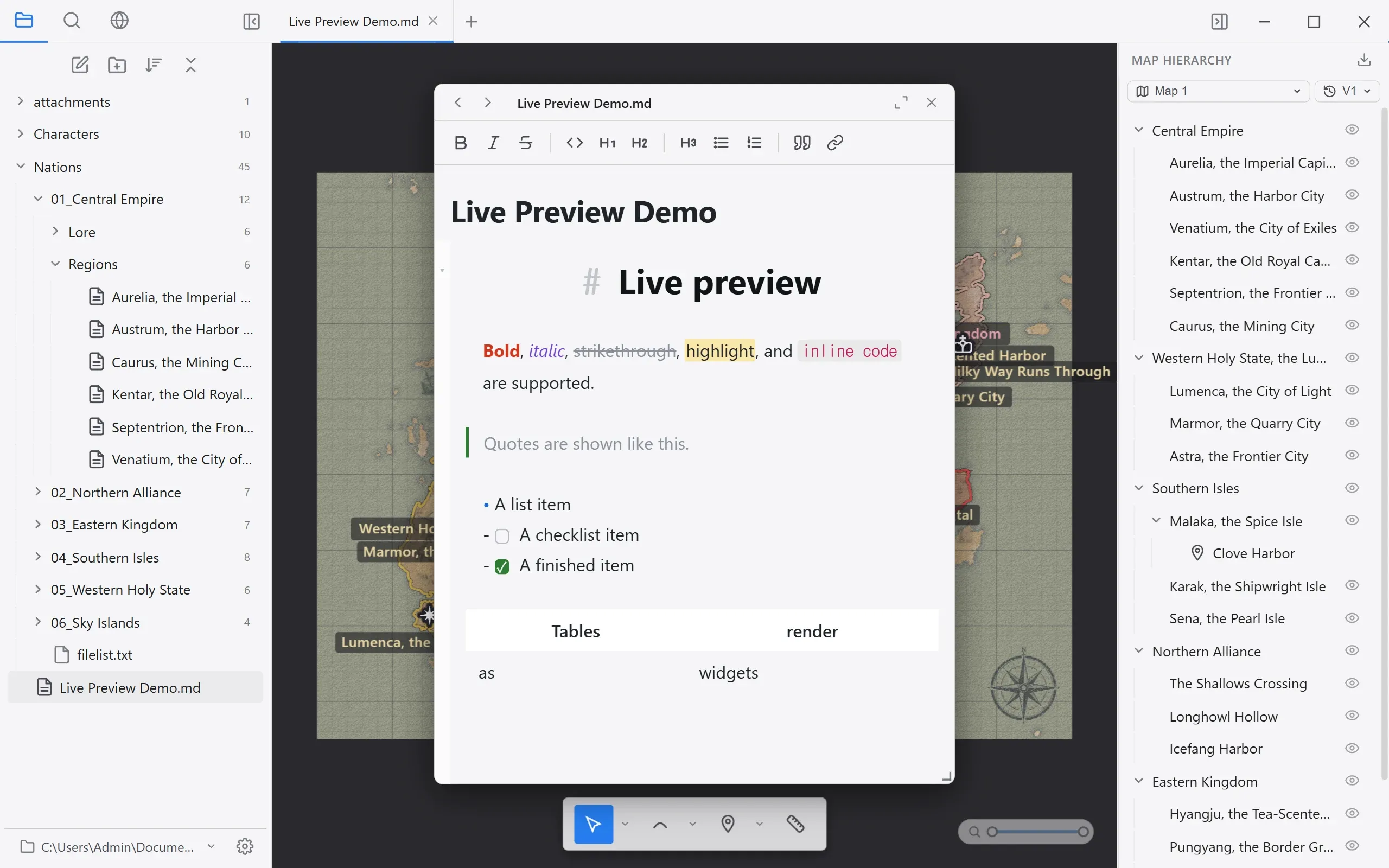
View modes switch between a map-centered screen and a document-centered screen.
| Mode | What it does |
|---|---|
| Map view | The canvas takes the center of the screen, with the map hierarchy on the right. |
| Document view | The editor takes the wide spot, with the outline and backlinks on the right. |
The editor can also be docked to one side of the map view. You can switch between hidden, docked left, docked right, and a floating panel.
Docked left (left) and as a floating panel (right):