
Textures and coastlines
From the left panel in Background edit mode, you can layer texture and coastline effects over the map.
Textures
Section titled “Textures”Overlay one tiled texture on the map surface. The same map without a texture (left) and with the parchment texture applied (right):
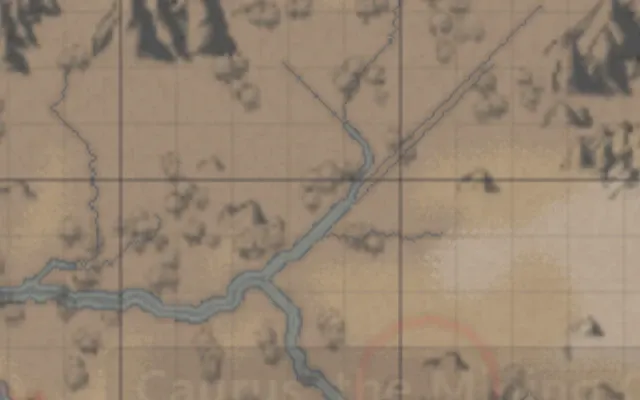
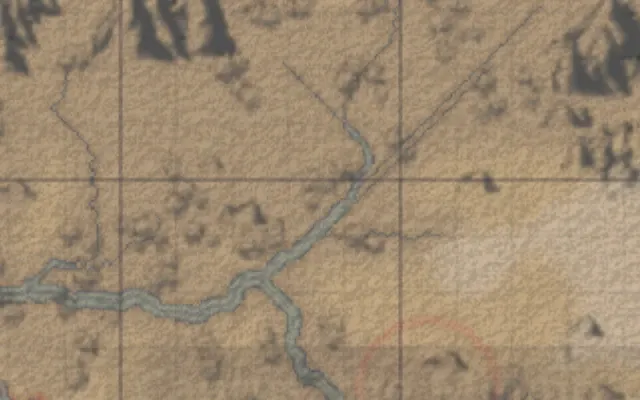
Pick and adjust the texture in the Texture section of the left panel.
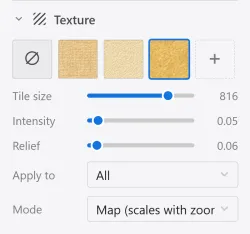
| Element | What it does |
|---|---|
| Tiling | Adjusts the size at which the texture repeats. |
| Intensity | Adjusts how strongly the texture shows. |
| Relief | Adjusts the surface relief for textures with a normal map. |
| Scope | Choose all, land only, or water only. |
| Mode | Choose map (scales with zoom) or filter (always uniform). |
Register your own image with Add texture.
Coastlines
Section titled “Coastlines”Draw a colored coastline effect where land meets water. You can add several effects and stack them. The same map with coastline effects off (left) and on (right):
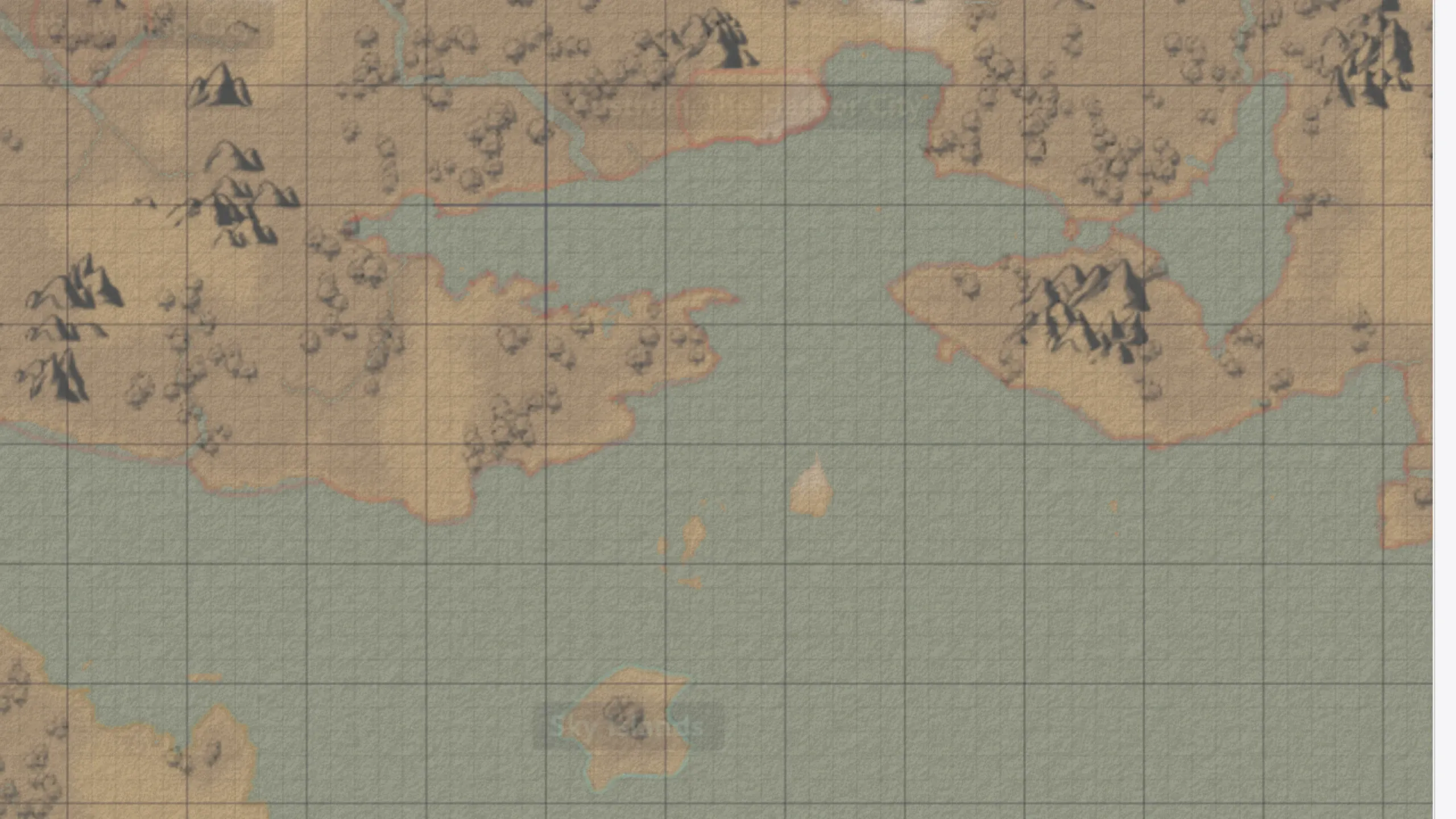
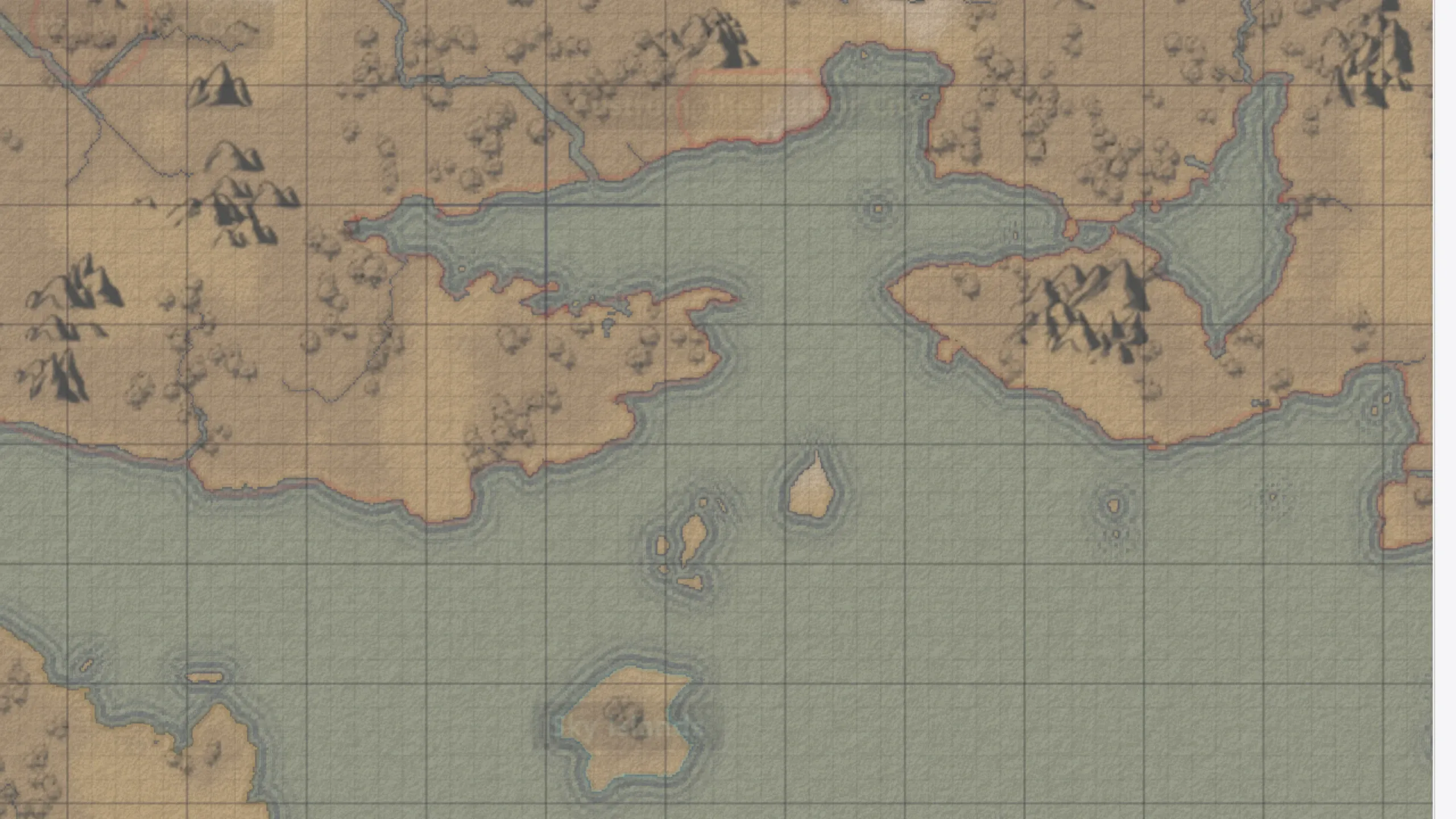
Add and adjust the effects in the Coastline section of the left panel.
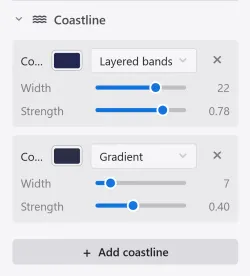
| Element | What it does |
|---|---|
| Style | Choose gradient, outline, or layered bands. |
| Width | Adjusts how far the effect spreads. |
| Strength | Adjusts the effect’s intensity. |
| Color | Sets the effect’s color. |
Texture and coastline settings can be saved as a style preset.