Map and Current Map
The Map tab and the Current Map tab in Settings. The Map tab applies to every project; the Current Map tab is stored in the file of the map you have open.
The Map tab
Section titled “The Map tab”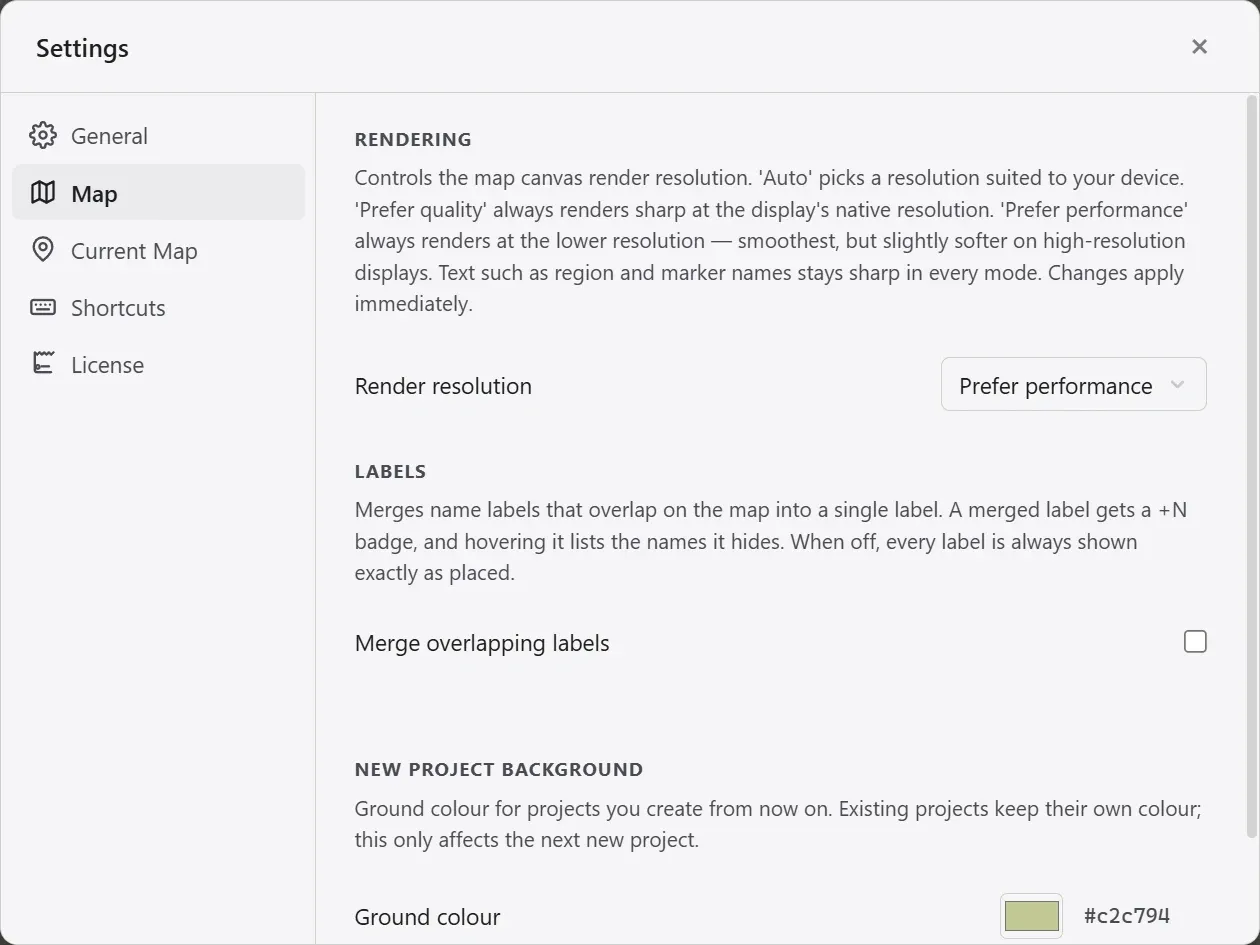
| Element | What it does |
|---|---|
| Render resolution | The resolution the map canvas is drawn at. Auto picks one to suit the device, Prefer quality always draws sharp at the display’s native resolution, and Prefer performance always draws at a lower resolution for the smoothest movement. Region and marker names stay sharp in every mode. Changes apply immediately. |
| Merge overlapping labels | Merges name labels that overlap on the map into one. A merged label gets a +N badge, and hovering it lists the names it hides. When off, every label is always shown exactly as placed. |
| New project ground color | The ground color of projects you create from now on. Existing projects keep their own color. |
If the map feels heavy, setting the render resolution to Prefer performance helps most. It is also the default.
Label merging is off by default. Merging hides names you placed yourself, so turning it on is your call.
The Current Map tab
Section titled “The Current Map tab”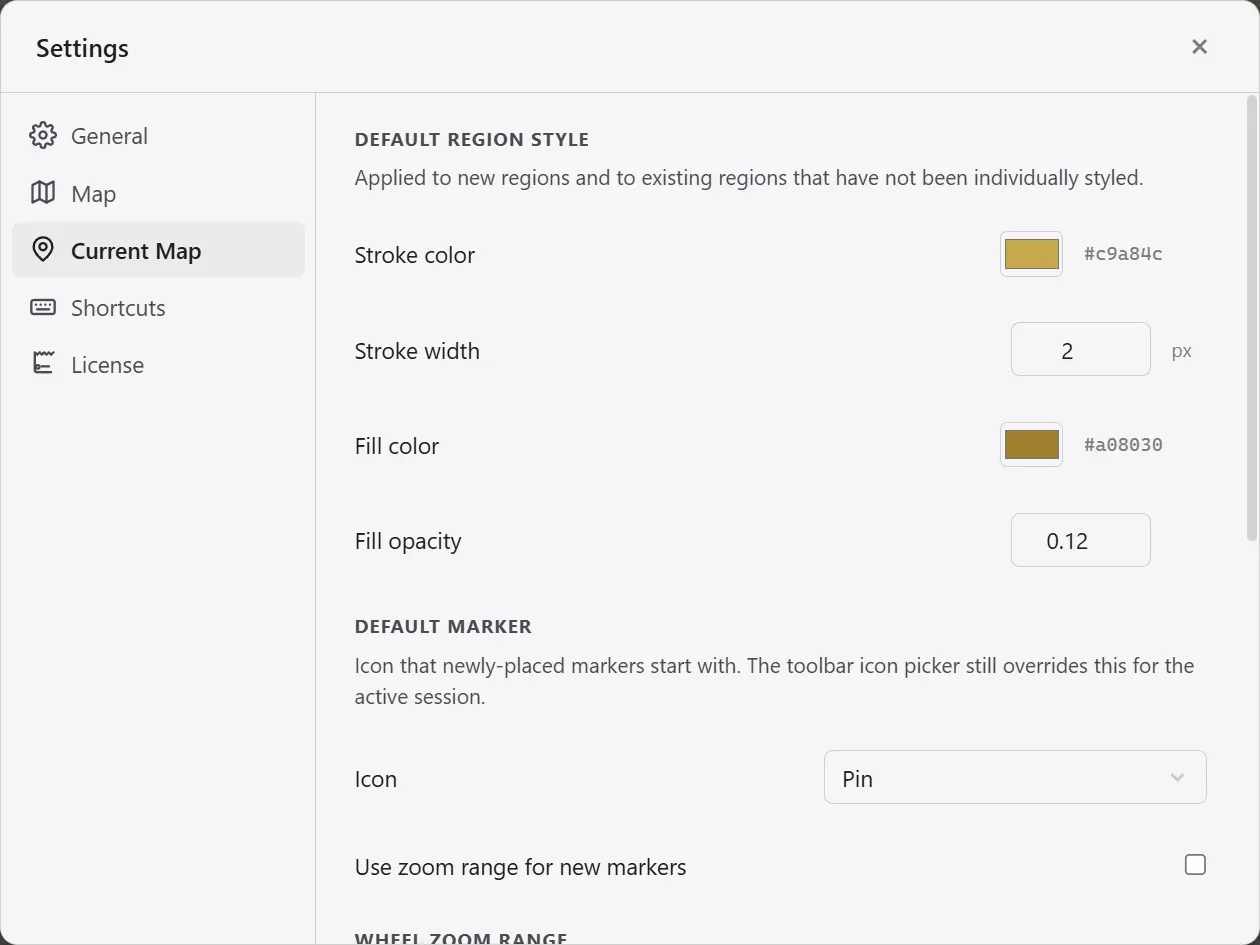
| Element | What it does |
|---|---|
| Wheel zoom range | The minimum and maximum zoom the wheel can reach. |
| Default region style | The stroke color, stroke width, fill color, and fill opacity new regions start with. Existing regions without an individual style follow it too. |
| Default marker | The icon newly placed markers start with. The icon picker in the toolbar overrides it for the current session only. |
| Use zoom display range on new markers | When on, new markers start with their zoom display range enabled. |
| Attachment location | Where pasted or dropped images are saved. |
This tab appears only once a project is open. What you set here is stored in the map file, so it follows the project to another computer.
The License tab is covered in Trial and full version.