
Style presets
A style preset captures the map’s style as a whole. The palette, coastline, active texture, and stamp settings are saved together. Save one and you can apply the same style to any map at once.
Save and apply
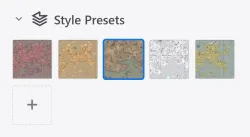
Section titled “Save and apply”In the Style presets section of the left panel in Background edit mode, click the + tile to save the current style. The current background look is saved as the thumbnail. Click a preset in the list to apply it immediately.
Presets support add and delete only. To change a style, adjust the background and save again.