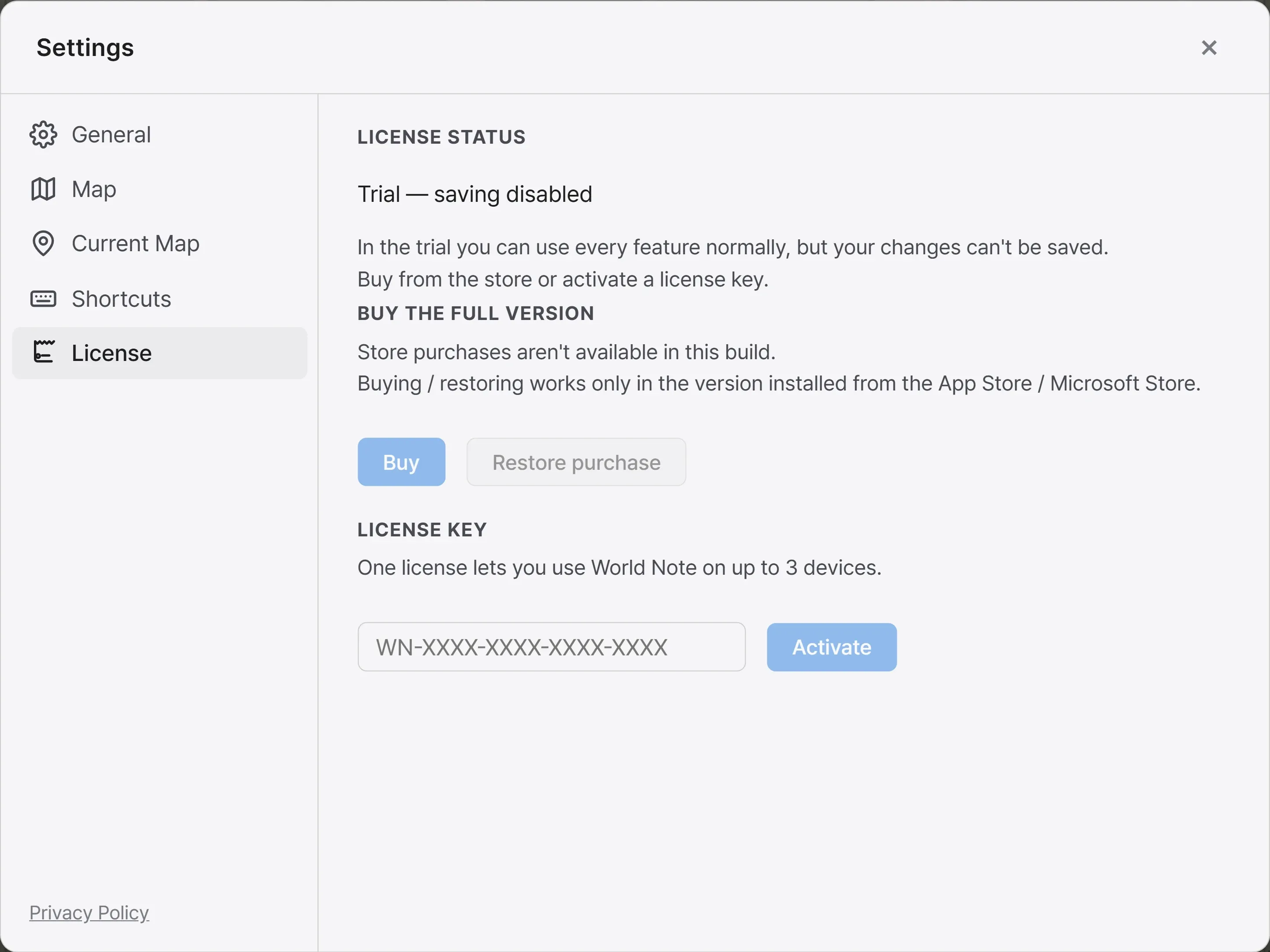
Trial and full version
In World Note, every feature is available to try in the trial. Just one thing: to save a project, license activation is required. In the app, the state with saving disabled is shown as the trial.
| Tier | What you can do |
|---|---|
| Trial | Create, open, and edit maps and notes with every tool. Export map image and Share as website (coming soon) are available too. |
| Full version | On top of that, you can use the saving feature. |
How to activate a license
Section titled “How to activate a license”How you activate depends on where you got the app.
| Method | What it does |
|---|---|
| Buy the full version | Activates through in-app purchase in the Mac App Store version and the Microsoft Store version. |
| Redeem a license key | Tumblbug backers activate saving with a license key. You enter it in the direct download (.dmg) version and the Microsoft Store version. The Mac App Store version has no key field. |
| Buy on Steam | The Steam version is the full version from the start, with no trial. No separate activation is needed. Settings has no License tab either. |
While saving is disabled, autosave is skipped and you are notified once per session. Activate your license from the License tab in Settings and autosave starts working again.
One license key activates up to three devices. On a device activated with a key, the License tab shows a Devices list. Click Deactivate on a row to release that device’s activation and free one of the three slots. Remove license key deletes the key from this device and frees this device’s slot.